
How to Search Civil Dockets
Minnesota Court Records Online, or MCRO, is the public entry point for a Winona County civil docket. Every search runs through it. You can narrow the case search by name, full case number, attorney, case category, date, or court location. Pick Civil and Winona when you know those details. The case view then shows the Register of Actions plus any public documents available remotely.
Treat MCRO as a quick reference, not a certified file. Check the court location, filing date, category, status, and party roles before trusting any result. Nothing online? Try the courthouse MNPAC terminal. Winona County District Court Administration offers fuller local access too. Either one gives you a deeper view of the court records.
- Open MCRO and select Case Search rather than assuming a document tab will find the case.
- Choose Civil and set the court location to Winona County when the case belongs there.
- Search by a complete case number, attorney, or the party name with the available name controls.
- Open the matching record and read the Register of Actions, settings, status, and any public document links.
- Contact Winona County District Court Administration for an in-person search, a copy request, or a certified record.
Winona Civil Docket Number Search
The fastest civil docket lookup is a complete case number. Winona uses county code 85. An anonymized civil format looks like 85-CV-YY-NNN: county, civil case type, filing year, then sequence. That string is only a format illustration, not a real case number. Type the full number from a court notice. Dashes and leading zeroes are optional, but leave out spaces.
The MCRO Case Search interface supplies those controls. Name, number, attorney, date, category, and county fields all support a Winona civil docket lookup.
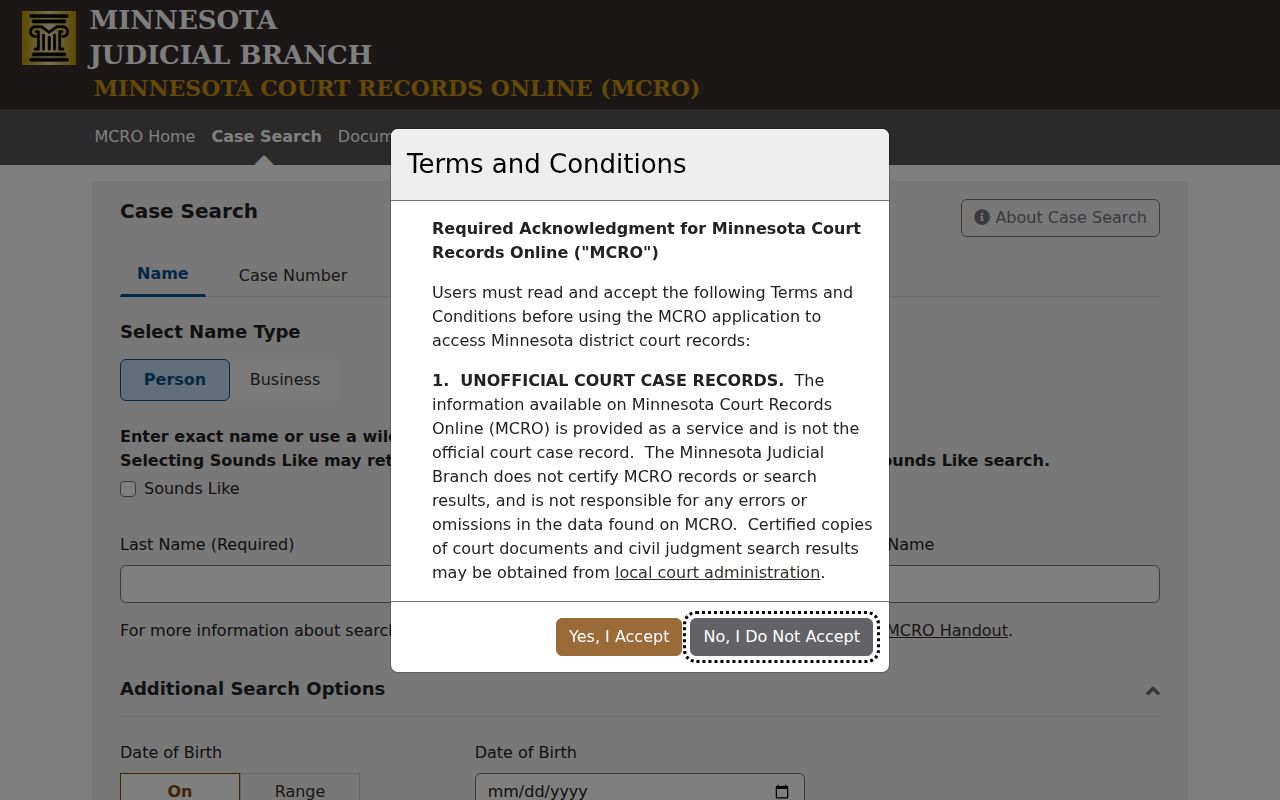
Choosing Winona County in the search filters keeps a local civil file distinct from similarly named Minnesota cases elsewhere.
Winona Civil Docket Filing Layer
Minnesota eFile and eServe, called eFS, is the Tyler Technologies system for filing and service. Attorneys, government agencies, and guardians ad litem must use it under Judicial Branch rules. Self-represented parties may use it where allowed. It is not, however, the public docket search. Read court records through MCRO or MNPAC instead. Use the copy-request route when a filed document is missing there.
Minnesota’s eFS resources explain filing codes and the public, confidential, and sealed security levels for documents.
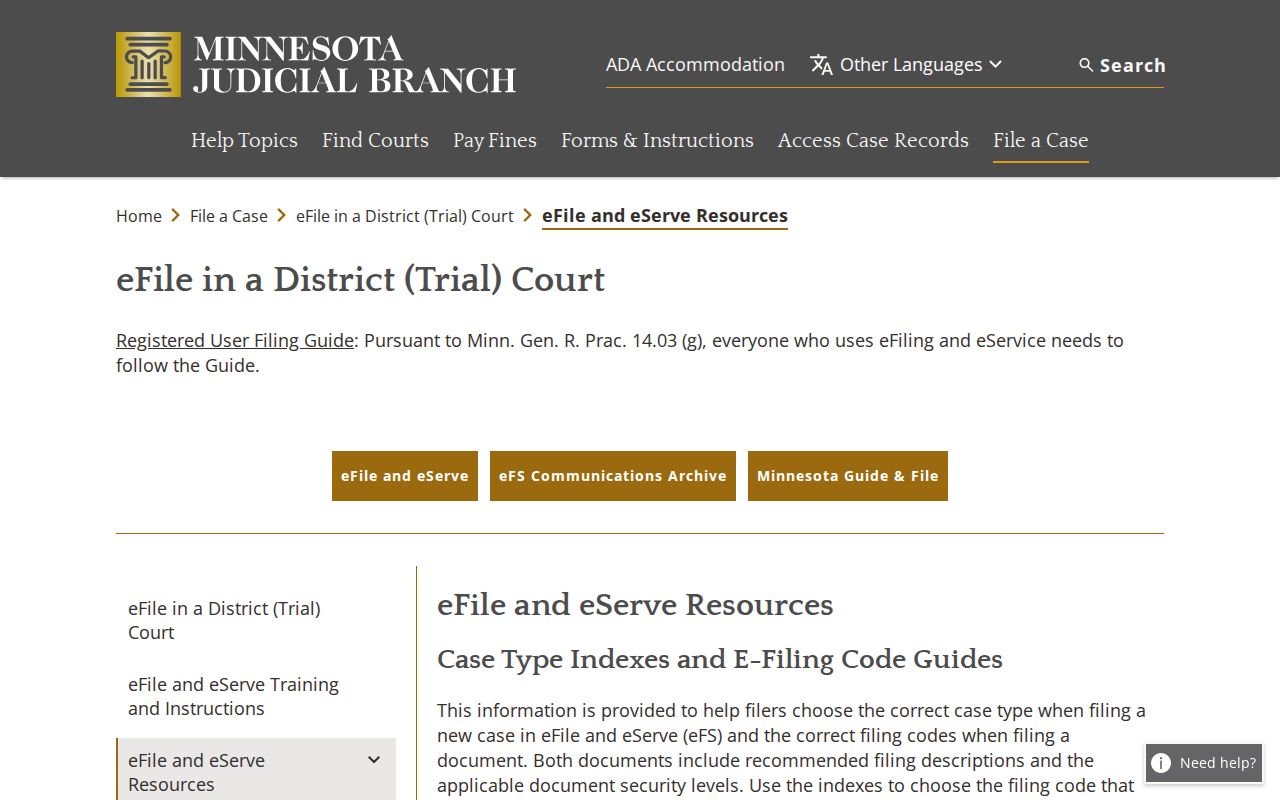
A filing's security classification controls who can open it. So a docket entry can exist even when its document stays closed to remote view.
What a Civil Docket Shows
A Winona County civil Register of Actions can show a lot. Expect the case number, filing date, and civil category. Status, party-role labels, and attorney fields appear too. Filings in order, service activity, motions, orders, settings, judgment information, and links to public documents or placeholders for restricted ones round it out. The index is one thing. The documents linked to it are another, and the docket keeps the two separate.
| Case Number | An identifying number such as the illustrative 85-CV-YY-NNN pattern, plus the Winona court location. |
|---|---|
| Parties | Roles such as plaintiff or petitioner and defendant or respondent, subject to public-access limits. |
| Register Entries | Filings, proof of service, answers, motions, notices, orders, and hearing events in date order. |
| Settings | Date, time, hearing type, location or remote session, judicial officer, and connection type when listed. |
| Judgment | Recorded judgment, default judgment, dismissal, or other public disposition and later post-judgment activity. |
Rule 8 also steps in. It blocks remote access to addresses, phone numbers, financial account data, and other protected details even in a public civil case.
Winona Civil Docket Party Roles
Role labels carry real weight when you read a civil docket. A plaintiff or petitioner starts the claim or proceeding. A defendant or respondent answers it. Attorney fields may appear when public. None of these labels means the court ruled for that party; they only describe who did what in the case.
The Register of Actions can also record a citation or service event, an answer, a motion, a notice, or an order. An entry proves the event was logged. It is not automatically the filed complaint, the full evidence, or a certified copy of the order.
Types of Civil Cases on the Docket
Winona County District Court handles the civil side of Minnesota's unified District Court system. Access can vary by case category and by document. Still, the civil docket may include a wide range of proceedings.
- Major and minor civil cases.
- Conciliation matters.
- Eviction cases.
- Family-related civil categories with applicable access limits.
- Probate, guardianship, and mental-health categories with category-specific rules.
The court publishes no dollar-threshold chart for these categories. Take a case's category from the court record itself, not from the name of a claim.
Winona Civil Docket Fee Examples
The statewide district-court catalog lists filing-fee examples. Do not read it as a fixed total for every Winona case. County law-library fees can push the number higher, so check a current county-filtered result before deciding what a filing will cost. The examples simply show why the filing category matters.
| Catalog item | Listed base amount |
|---|---|
| Civil first paper | $310 |
| Civil motion | $100 |
| Conciliation first paper | $65 |
| Eviction filing | $310 |
| Jury request | $100 |
The Minnesota district-court fee catalog is the official place to confirm a current Winona-filtered fee.
Settings and Hearings on Civil Dockets
Civil dockets list many kinds of settings. A settlement conference, initial case-management conference, pretrial, evidentiary hearing, court trial, jury trial, eviction hearing, or generic hearing may all show up. Check the current setting in MCRO. The Winona daily calendar helps pin down a date. If they conflict, the case-specific court notice and Court Administration control.
For how the calendar works and every confirmation channel, see the Winona County court calendar. One caution: a continuance or new notice adds a new Register of Actions entry, so an older date is never safe to trust without a fresh check.
Winona Civil Docket Hearing Modes
Winona Policy 525 sets a default appearance type for each case category. A judge may override it. In the civil column, evidentiary hearings, pretrials, and trials default to in person. Many other civil hearings may happen remotely. Housing and eviction jury trials sit in a courtroom. Most other housing and eviction hearings run remote. Conciliation hearings stay in person on the Winona civil docket.
If the court directs a remote appearance, Minnesota connects through Zoom, phone, or ITV. The court itself sends each link or dial-in for that case. A remote default is not permission to ignore your notice. Whatever the notice or the judge says controls how you appear.
Winona Civil Docket Judgment Trail
Follow the trail a Winona civil case leaves. A complaint or petition gets filed and served. A response may follow. Then discovery, motions, notices, orders, and a hearing pile onto the docket. Later the court record may show a judgment, a default judgment, an agreed judgment, a dismissal, or another order. After judgment, expect judgment-docketing. Payment or restitution details may appear where they apply, along with writ documents or an appeal.
Read every entry in context. Minnesota skips some shorthand other states use. There is no public Winona code sheet covering every abbreviated Register of Actions label. Trust the full text shown in MCRO. Ask for the underlying public document when the event itself matters.
Public Access to Civil Dockets
Rule 8 of the Minnesota Rules of Public Access to Records of the Judicial Branch governs the public Winona civil docket and court file. It opens inspection and copying where the records are normally kept. Remote access covers Registers of Actions and calendars. It also reaches indexes, judgment dockets, certain court records, and approved public documents. How much you can see shifts. The record type matters. So does any protected information inside it.
Key Rules:
Minnesota Rule of Public Access, Rule 8 controls public inspection and remote access to Judicial Branch court records.
Minnesota Rule of Public Access, Rule 7 permits an oral or written request that identifies a record without requiring a stated purpose.
Minn. Stat. § 13.03 recognizes general public-data access while court files remain governed separately by Judicial Branch access rules.
Family, adoption, juvenile, domestic-abuse, harassment, civil-commitment, and similar protected records carry narrower access. Keep this in mind: a missing public document does not mean no court file exists.
Winona Civil Docket Missing PDFs
A docket entry and a document link are not the same thing. MCRO can show a public Register of Actions entry yet no downloadable PDF. The case category, the document date, the security level, or Rule 8 limits can block remote access. Major and minor civil documents filed on or after July 1, 2015 enjoy the broadest remote availability. Earlier filings and other categories can be tighter.
Two workarounds exist. Use MNPAC at the Winona courthouse, or ask Court Administration for a public copy. MNPAC is a free statewide public terminal. It reaches more than remote MCRO. Even at the courthouse, protected material can still be withheld or redacted.
Note: a restricted document placeholder is an access signal. It is never a finding on the facts or the merits of a civil case.
Winona Civil Docket Copy Requests
Ordering a certified or exemplified civil record takes specifics. Bring the case number, party roles, document type or date, copy type, number of copies, delivery instructions, and payment. The statewide CON100 Court Record Request is the form route. Requests also go through MCRO and the local counter. Mail, eFiling, and eFS work too, where appropriate. Court Administration fills the local request.
Minnesota’s court copy-request information spells out the differences among plain, certified, and exemplified copies.
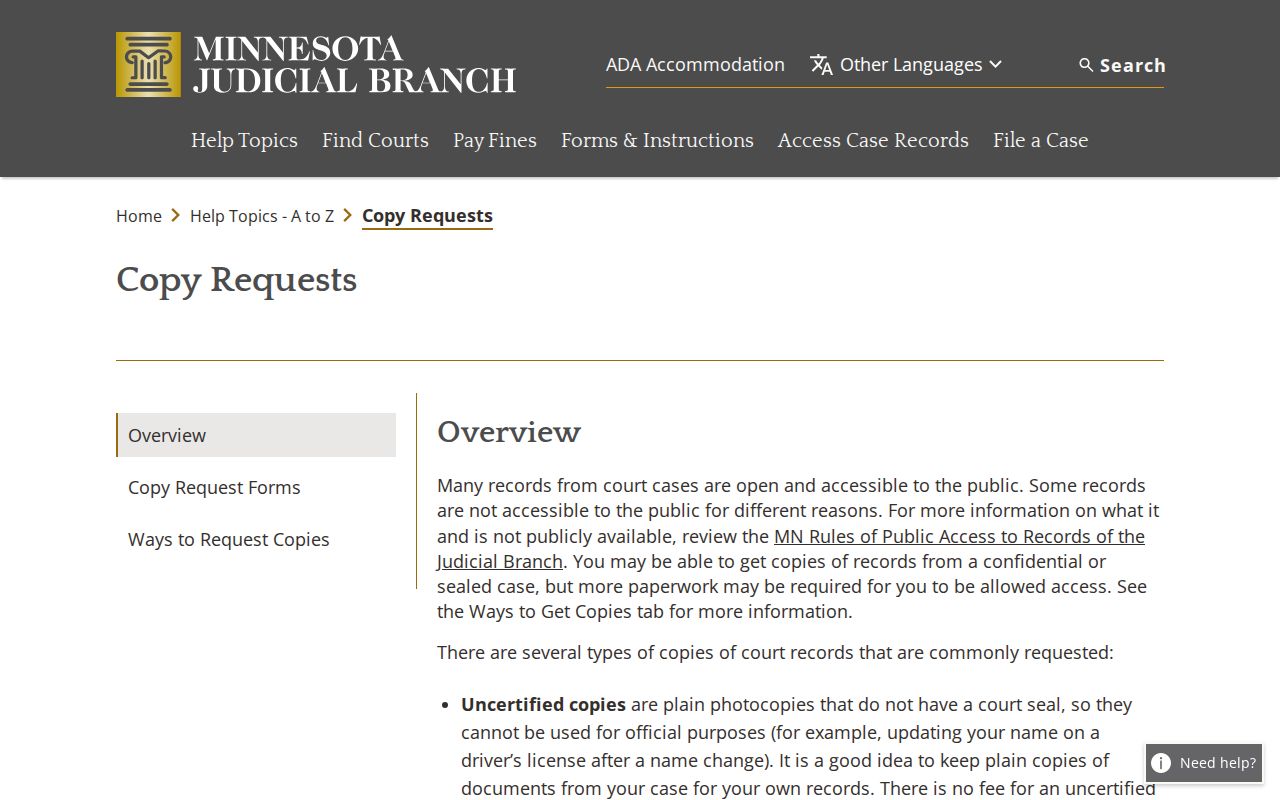
Fees are simple. Uncertified copies are currently listed at $0, certified court-record copies at $14, and a certified-plus-exemplified copy at $28. Exact turnaround is not published, and off-site records may not arrive the same day.