
The Winona County Court Calendar
Winona County District Court puts out its daily calendar as a public PDF. It lists hearings by date. That makes it a report, not a case search tool. Pair it with the case's MCRO Register of Actions. Check the printed calendar outside the courtroom or in the public lobby. Use any notice the court mailed for the case, too. When these sources disagree, Court Administration is the local office that settles it.
Public calendars leave out confidential matters and cases that cannot be viewed remotely. A missing row proves nothing. It does not mean a hearing was cancelled or that no case exists. The calendar shows scheduled public activity only. For a party's required appearance, the court-issued notice remains the controlling document.
Winona Court Calendar Posting Rhythm
Timing matters with this report. The daily PDF posts at approximately 7:00 p.m. for the next day. It then updates hourly starting around 7:00 a.m. Good for a current date check. But a same-day change may not show up right away. For the freshest posting, the printed calendar in the courthouse lobby may beat the online version.
Winona's official daily District Court Calendar is the online report for public hearing settings. Check its date and generation time. Do that before comparing a row against an older saved copy or notice. One caution: a daily report is only a check. The individual notice and direct instruction from the court govern the hearing.
Winona Court Calendar PDF Fields
Each Winona calendar row can carry many fields. There may be a party-name field, hearing location, hearing date and time, and judicial officer. The row can also show hearing type, connection type, and case number. Read the party name together with the case number and setting details. A calendar is not a full case file. Locations may read Court Room 1, Court Room 2, Zoom Session, or DW-Zoom Session.
Connection type names the participant role expected to appear: defendant, plaintiff, attorney, respondent, or petitioner. It stands apart from hearing type and judicial officer. And a Zoom Session label alone is no invitation to join a meeting. The court sends the case-specific connection information.
How to Find Your Court Date
Work each Winona channel for what it does best. MCRO gives you the case's Register of Actions and its settings. The daily PDF is the public date report. A printed lobby or courtroom calendar may be more current. When sources conflict, call Court Administration at 507-615-5183. Call too if a same-day question comes up. An attorney on the case can also confirm the setting.
- Read the court-issued notice and keep the case number shown there.
- Search MCRO by the complete case or citation number and review the current hearing setting in the Register of Actions.
- Check the Winona daily calendar PDF for a public row that matches the case and date.
- At the courthouse, consult the printed lobby or courtroom calendar if the date is imminent or the online report is stale.
- Call Winona Court Administration or the attorney of record before acting on a discrepancy, cancellation, or changed appearance instruction.
Winona Court Calendar Access Chain
Four local sources can hold your date. MCRO ties the date to the Register of Actions. The daily PDF gathers public settings by day, and the lobby posting can reflect a later change. The notice, or Court Administration, carries the party-specific instruction. Each source answers a different question.
The Winona County District Court page identifies the local court and its contact route. Older or restricted case information behind a date is fuller on the MNPAC public terminal at the courthouse than through remote MCRO, though the terminal does not lift confidentiality limits.
The MCRO Case Search form can locate the case record whose Register of Actions contains the current setting.
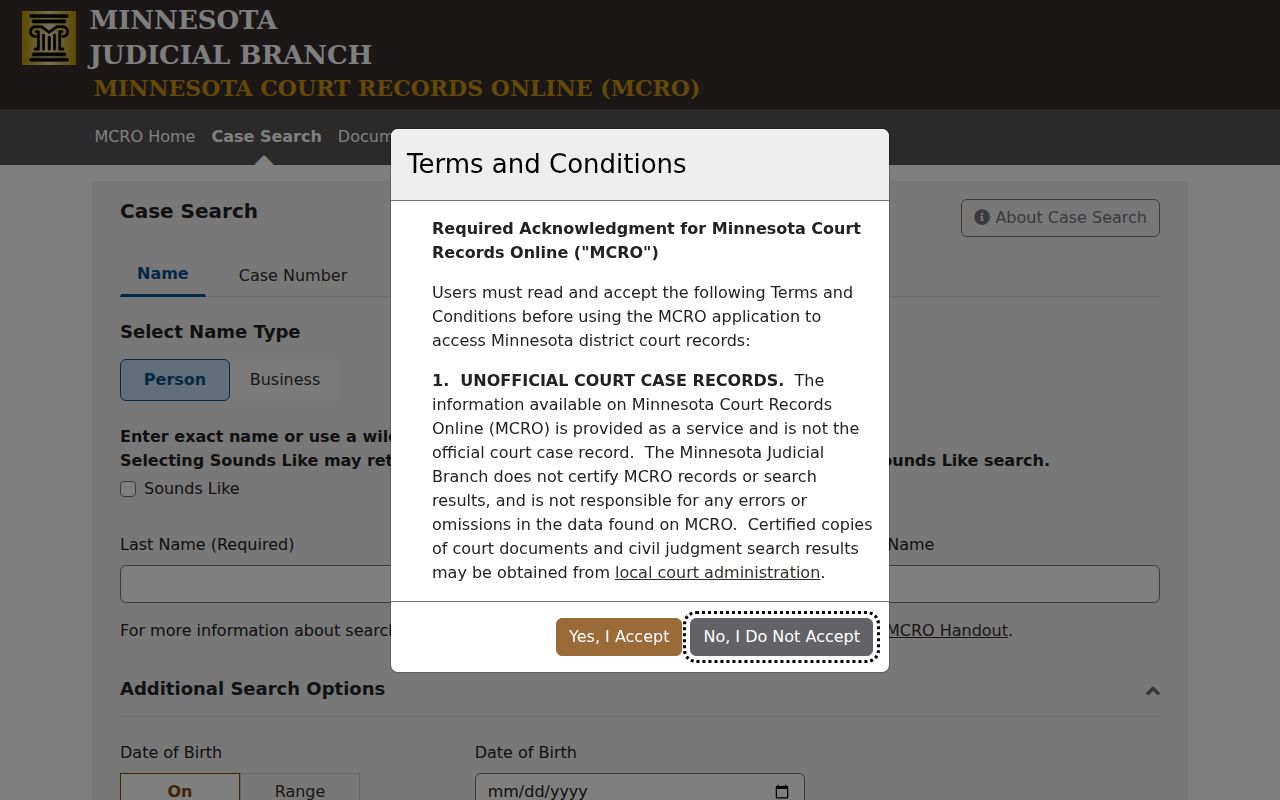
A case number from your notice is the clearest bridge. Use it to connect a calendar entry with the matching Winona court record.
Reading a Court Setting
Read a setting line field by field. The date and time tell when the event is scheduled. The location tells where or how it should happen. The hearing type describes the court event itself. The judicial officer field shows the officer listed for that setting. One caution: a setting can change without being any final outcome.
| Date | The scheduled calendar date, which should be checked against the court-issued notice. |
|---|---|
| Time | The time printed for that hearing row, not an assumption about how long the case will take. |
| Location | Court Room 1, Court Room 2, Zoom Session, DW-Zoom Session, or another location shown by the report. |
| Judicial Officer | The officer listed for the setting; assignments can change and the case notice controls. |
| Hearing Type | A label such as arraignment, plea hearing, pretrial, evidentiary hearing, trial, review, or eviction hearing. |
Connection type names the participant role tied to the row. It does not decide whether that person may switch appearance methods without court direction.
Winona Court Calendar Remote Defaults
Winona Policy 525 sorts hearings into default in-person or remote categories by case type. It took effect February 3, 2025. Most adult criminal settings require the party's physical presence. That list is long. It covers settlement conferences, plea hearings, contested omnibus hearings, evidentiary hearings, pretrials, sentencing, court trials, jury trials, contested revocation hearings, contested extradition, and probation-violation resentencing. Remote treatment is the norm, though, for first appearances, arraignments, bail hearings, initial Rule 8 appearances, default omnibus settings, and some review matters.
Civil splits the same way. Evidentiary hearings, pretrials, and trials are in person, while other civil hearings may go remote. Treatment Court always meets in person. A judge can depart from any default. So the notice or a direct instruction from the court controls over the policy every time.
The state's remote-hearing page walks through Zoom, phone, and ITV options. It also covers eCheck-In and conduct rules for appearing remotely.
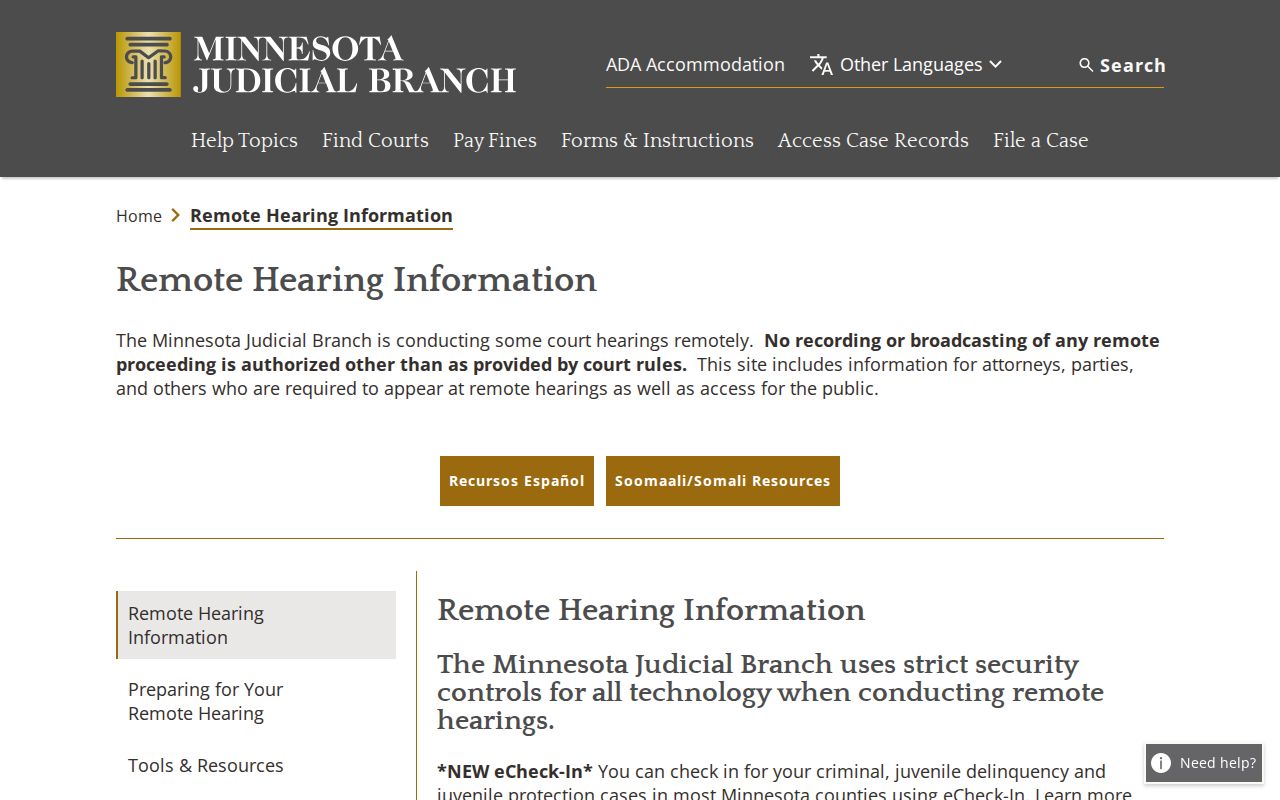
For remote hearings in Winona County, the court sends each participant the connection details directly, including any meeting link, ID, password, or alternate instructions. No Zoom account is needed when Zoom is the platform.
Winona Court Calendar Reminder Limits
Minnesota rolled out its eCheck-In program statewide in April 2025. A party can pre-check in as many as six calendar days before a hearing. You will need the name printed on the notice plus a file number or date of birth. Only parties qualify. Witnesses, victims, and attorneys cannot use it. Checking in early does not replace showing up. It also does not replace identifying yourself or following whatever the notice requires.
Minnesota hearing eReminders offer a different kind of help. These are optional courtesy notices by text or email. Most arrive roughly three days and one day before a hearing. Eviction and adoption matters run on their own schedule. That official page spells out the timing.
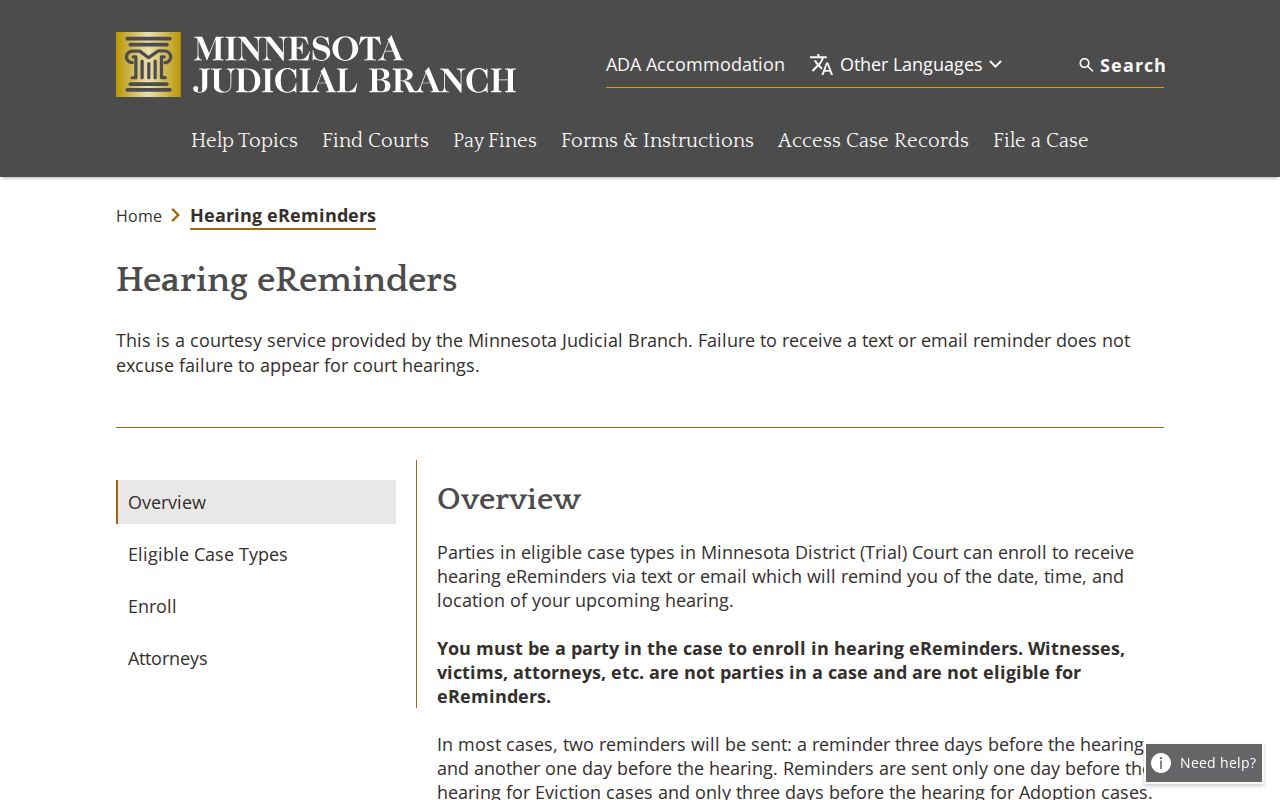
A reminder counts as a courtesy, not legal notice. For anything binding, rely on the court-issued notice and the current Winona court setting.
Resets, Continuances, and Cancellations
Winona does not publish a single public code list covering every reset, continuance, or cancellation. When a hearing moves, expect a new or amended Register of Actions entry, a fresh setting, or a new notice. Compare the current date and status instead of trusting an old PDF row to prove the original setting still stands.
Keep in mind what a missing row cannot tell you. A hearing left off the public PDF has not necessarily been cancelled. Confidential and non-remotely accessible matters may be omitted. With a hearing coming up soon, confirm in this order: the notice, the current MCRO setting, the daily PDF or printed lobby calendar, and then Court Administration.
Winona Court Calendar Reset Check
Start with the notice that names your case. It states what the court actually ordered. From there, check MCRO again using the full case number. Then compare the daily public calendar with the printed calendar in the lobby. If something is urgent and same-day, phone the court. The web contact form is not for urgent matters.
Winona County District Court Administration sits at 171 W. Third Street, Winona, Minnesota 55987. It answers at 507-615-5183. Hours run Monday through Friday, 8:00 a.m. to 4:30 p.m. The official page carries a Wednesday-hours note with no clear year attached. Confirm that detail before you depend on it. Staff can walk you through the current calendar route, though they cannot give legal advice.
Note: Keep your case number and the notice close at hand when you call. Both help Court Administration pull up the right setting quickly.
What To Do If You Miss a Setting
If you miss a hearing in Winona County, act fast. Call your attorney of record, or reach Winona Court Administration directly. Ask two things: the current case status, and what the court wants you to do next. Do not assume a new date has already been set. What happens next shows up in the Register of Actions, on the court notice, or in instruction straight from the court.
Missed a Setting? Missing a court date can lead to a failure-to-appear issue, a bench warrant, or bond consequences in a criminal case.
Call Court Administration or the attorney promptly to confirm the case status and obtain the court’s current instruction.
Consult a licensed attorney about a missed Winona County setting before appearing or making a decision about the case.
Winona Court Calendar PDF Omissions
The daily PDF leaves some things out on purpose. Confidential cases and matters closed to remote access never make the public report, so a real court date can be missing from it. Searching by name for a pending record can also prove slippery. With a notice in hand, a full case or citation number gives the more reliable MCRO search path.
When a record is restricted but still public at the courthouse, use the MNPAC terminal or ask Winona Court Administration about the right Rule 8 access route. One caution matters here. A restricted public report is not a dismissal, not an expungement, and not an order cancelling the setting.
Winona Court Calendar Lobby Backup
Third Judicial District guidance calls the printed calendars outside courtrooms and in public lobbies the most current posted calendars, generally speaking. So if you are already at the courthouse for a public hearing, the lobby posting works well as a backup. It cannot override a direct courtroom instruction or a notice tied to your case.
A public calendar helps you get your bearings for the day's settings. But the court's official notice governs who must appear, when, where, and by what method. If the courthouse entry or calendar has changed, follow whatever direction court staff or the judicial officer give you.